

UFO Puzzle
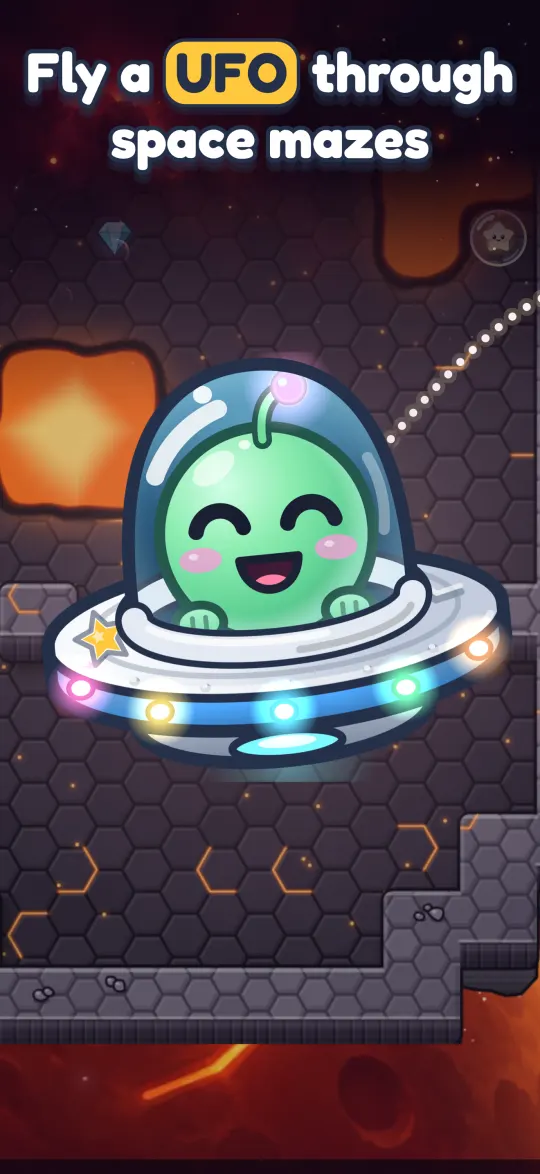
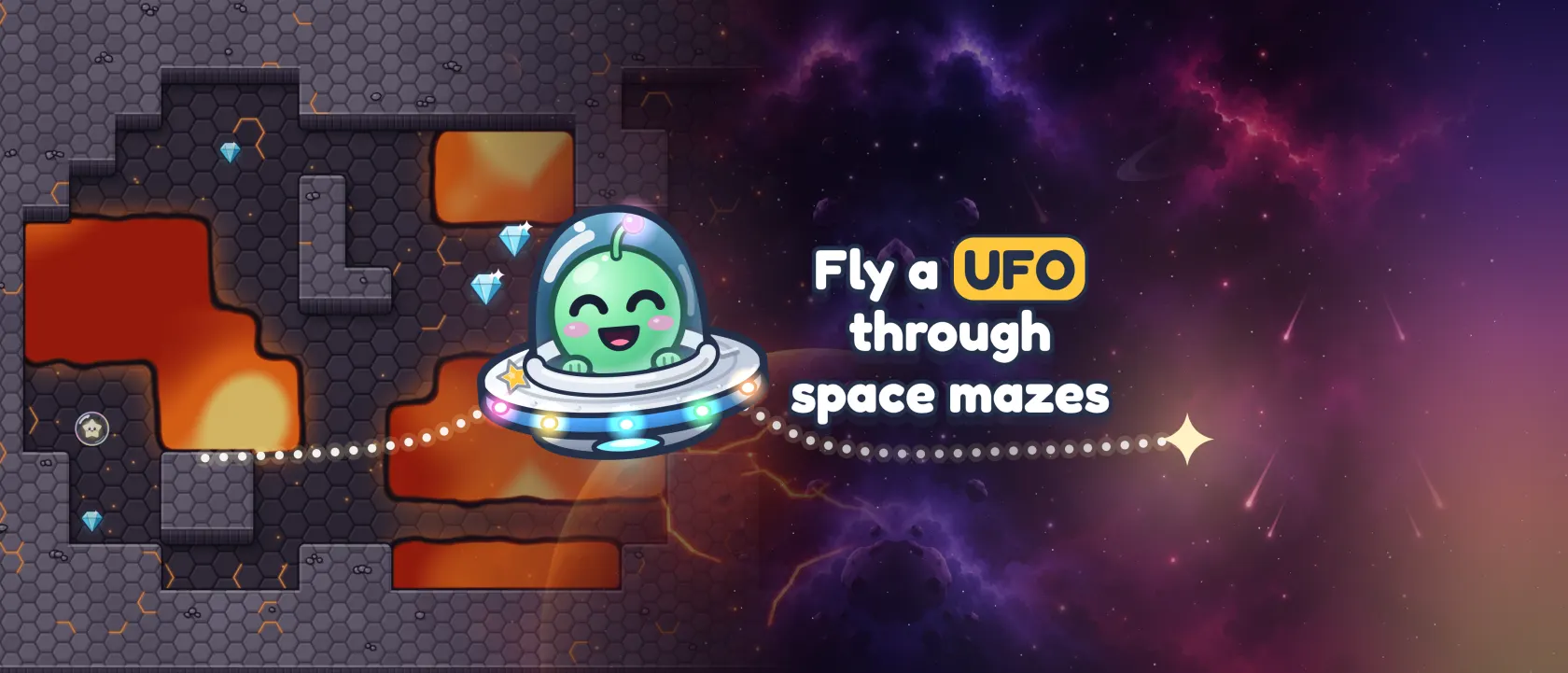
Fly a little UFO home through mazes in space.
A small alien borrowed the family saucer and flew straight into a comet storm. Tilt your phone to fly it back, one maze at a time, collecting gems and keeping clear of the lava.
How it plays.
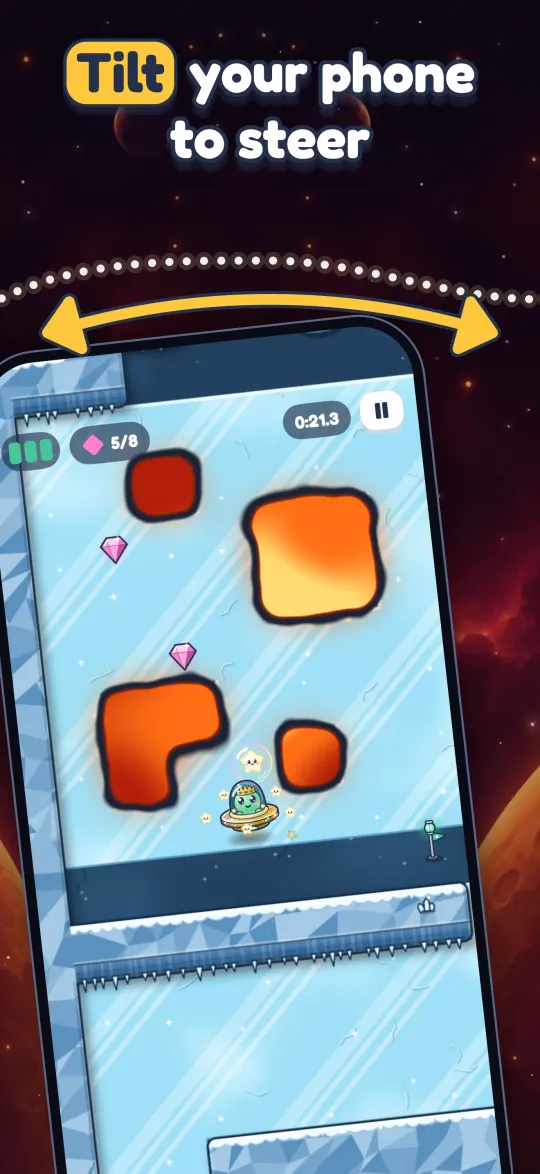
Tilt to steer
Tilt your phone and the saucer drifts that way, a bit like rolling a marble around a box. It's a little wobbly on purpose, so you learn to fly gently.
Collect the gems
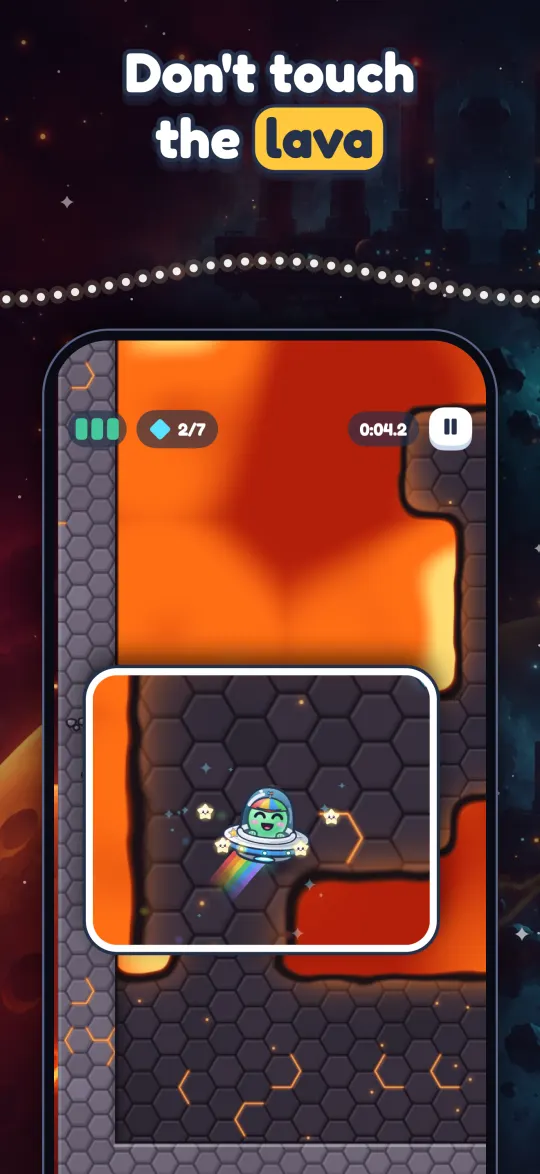
Every gem you pick up brings the way out closer. Lava damages the saucer, and a few hits will bring it down.
Fly out through the gate
Once you have every gem, the gate opens. The bigger mazes have checkpoints, so a crash doesn't send you all the way back.
 Whatever angle you're holding the phone at when a level starts counts as flat, so you can play lying down. If you'd rather not tilt, switch to an on-screen stick in Settings.
Every world plays differently.
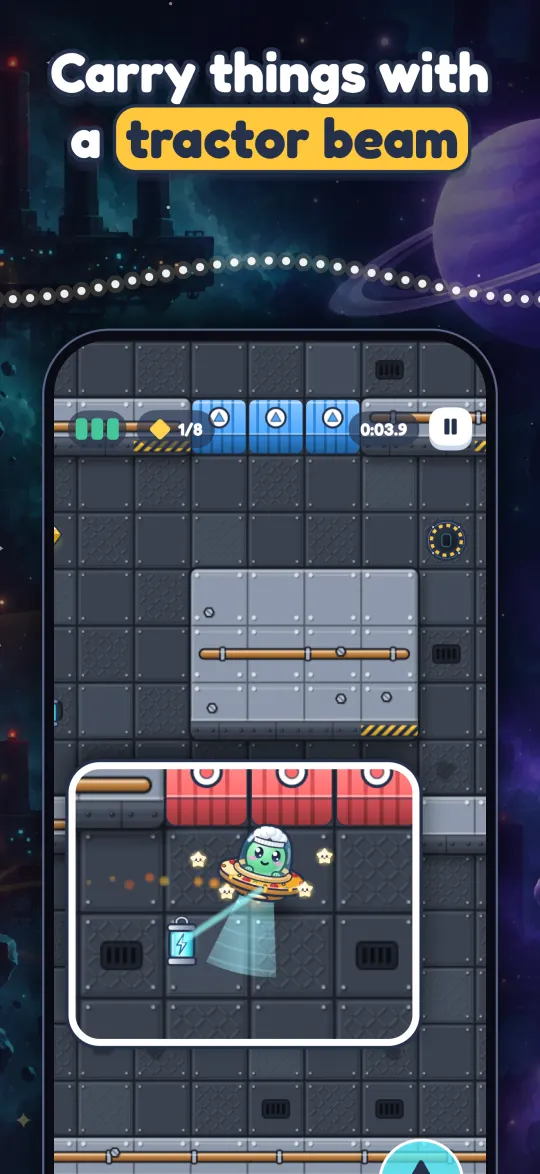
You'll fly past lava pools and erupting vents, slide across ice, open doors with switches, carry batteries with a tractor beam past lasers, slip through wormholes, and dodge falling comets in the dark.
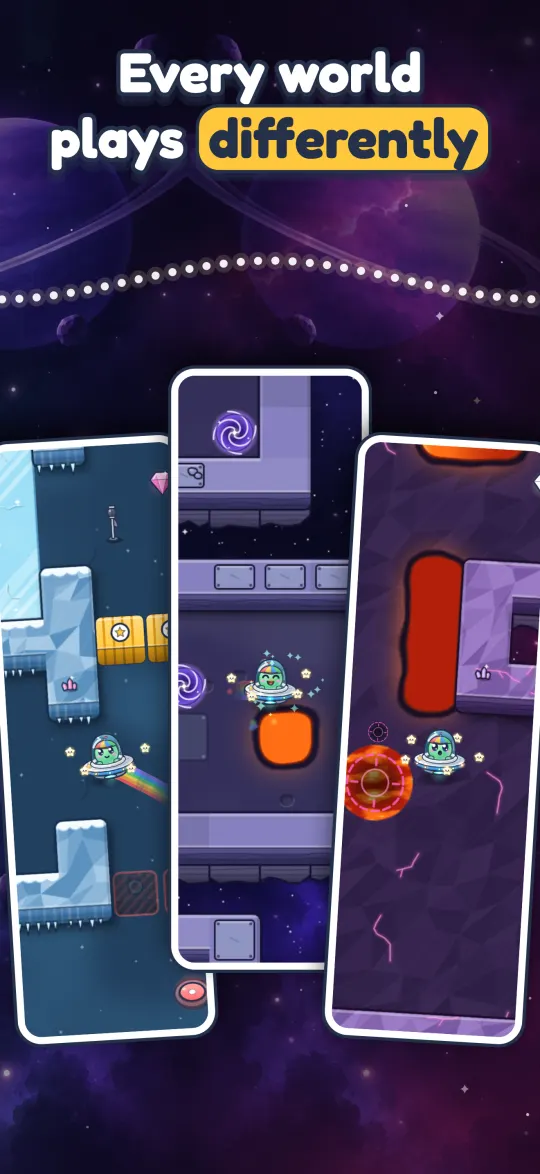
More to do on the way.

A lost friend in every level
Each level hides a small lost creature. Find it and it comes home with you.
Stars to earn
Every level gives stars for finishing, for finishing without a scratch, and for finishing fast.
A story along the way
Between worlds, the story carries on through messages from home.
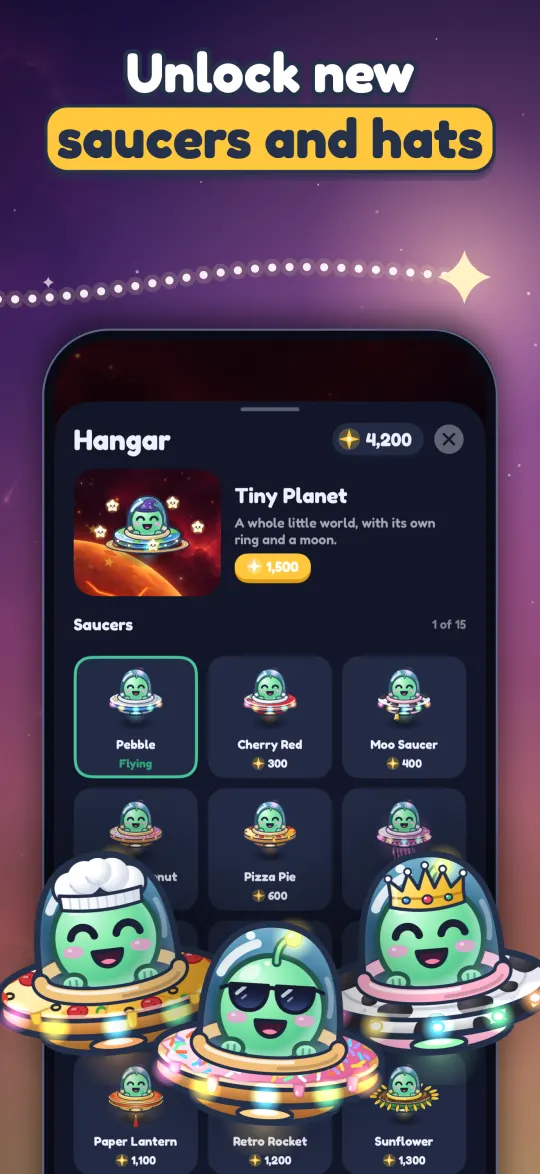
New saucers and hats
Spend what you collect on new saucers, hats and trails. You can earn all of it by playing.
Game Center
Compete on the leaderboards and unlock achievements.
Sound your way
Music, sound effects and vibration each have their own switch.
Questions.
More answers, from restoring purchases to Game Center, are on the support page.
Do I have to tilt?
No. Switch to the on-screen stick in Settings and drag anywhere to fly. Devices without motion sensors use the stick on their own.
Can I play lying down?
Yes. Whatever angle you're holding the phone at when a level starts counts as flat, so you can play sitting up, lying down or on the bus. The pause menu can reset it if you shift around.
Does it work on Apple TV?
Yes. Steer with the Siri Remote or a game controller. There are no ads or purchases on Apple TV.
Is it free?
Yes, with ads. Video ads only play when you choose to watch one, to repair the saucer or to double what you earned in a level. You'll sometimes see an ad between levels, but never during one, and a one-time purchase turns those off.
Does it play offline?
Yes. Ads, purchases and Game Center need a connection; the rest plays offline. You don't need an account, and your progress stays on your device.
What happened to the old UFO Puzzle?
The game has been rebuilt from scratch, so progress from the old version doesn't carry over.
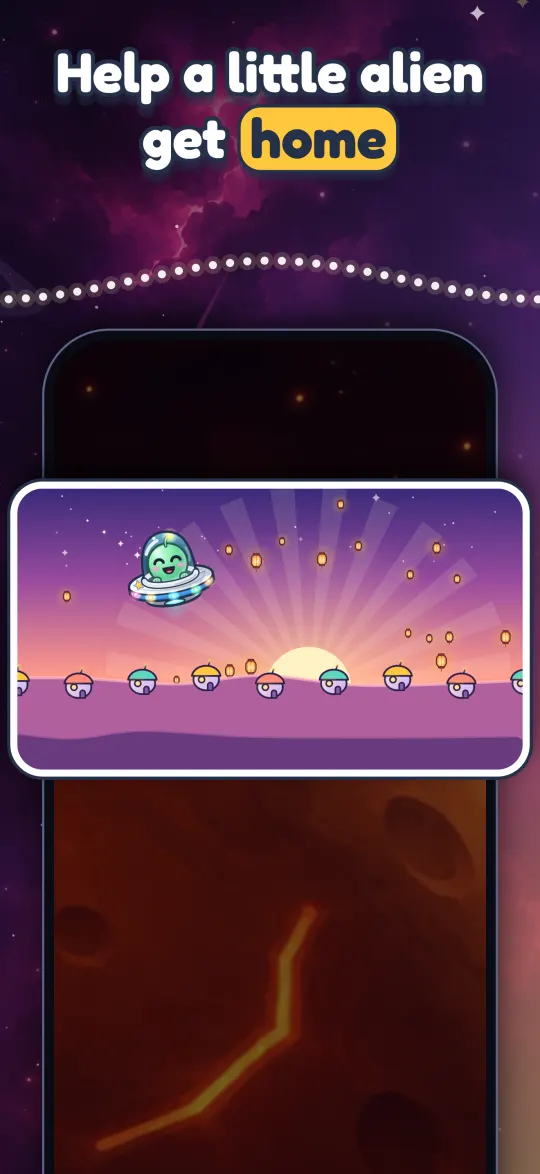
Help a little alien get home.
Free on iPhone and iPad, with ads. Video ads only play when you choose one, and a one-time purchase turns off the ones between levels. You can buy in-game currency to unlock looks sooner, but you never need to. On Apple TV, steer with the Siri Remote or a game controller, with no ads or purchases at all.
UFO Puzzle
No. 9 · 2018
First shipped in 2018, rebuilt from scratch in 2026.
- iPhone and iPad
- Apple TV
- Game Center
- Plays offline
- No account